 Shikha Kumari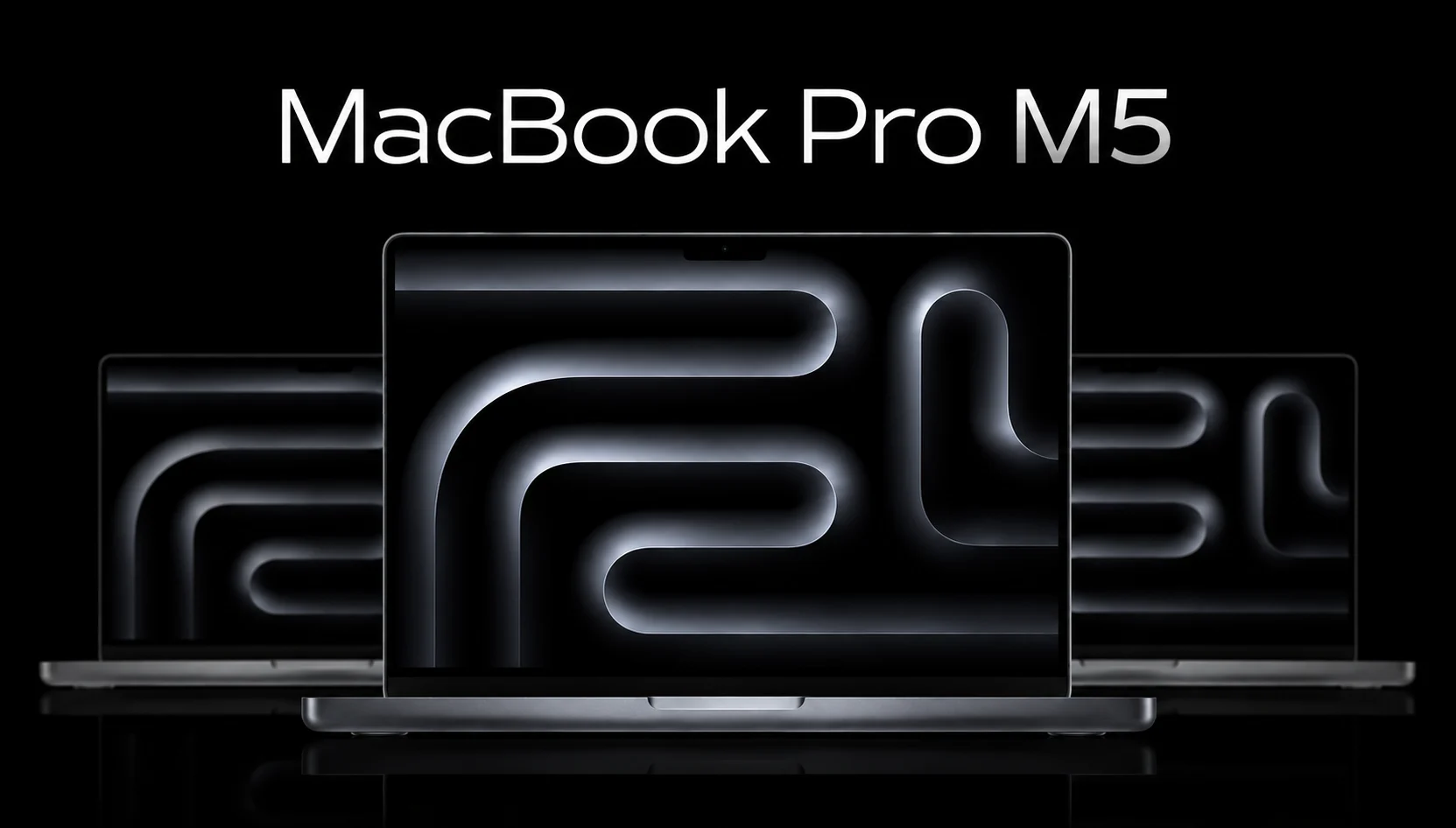
I can’t count how many conversations I had in which I said, “Should I upgrade my MacBook” this year. And each time it starts the same way: someone looking at their three-year-old laptop and wondering if it’s worth the price to their wallet for the new chip. So let’s resolve it.
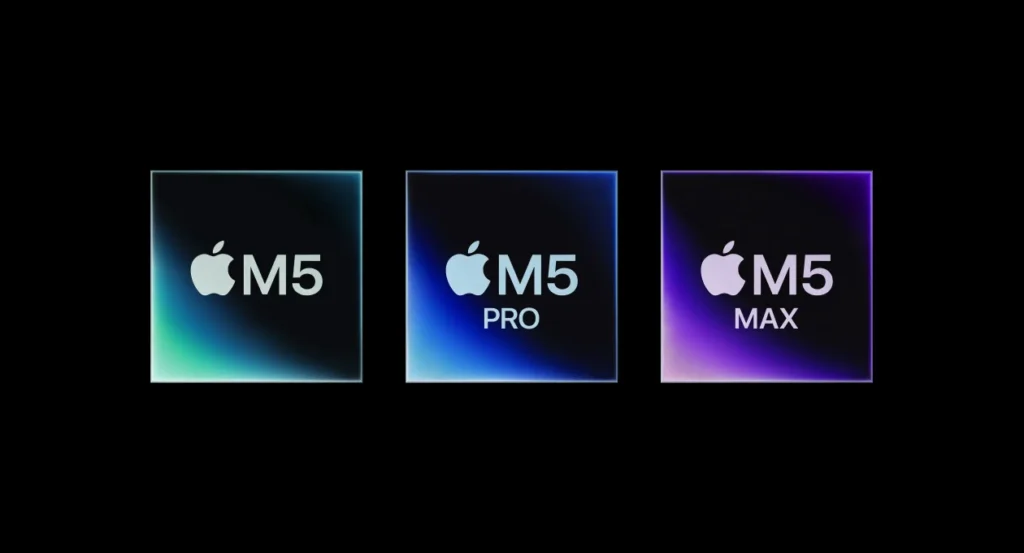
Just the MacBook Pro M5 is not one laptop, a family of laptops. Apple introduced it in two waves: The first, for the M5, came in October 2025 and the second, the heavier hitters, the M5 Pro and M5 Max, in March 2026 with the same aluminum shell but a lot more muscle under the hood. When you’re trying to figure out which one to buy now, this guide walks through every price tag, every trade-off; which of them is right for you.
At a Glance
Before getting into the weeds, here is the short version for anyone who is skimming on their phone during a coffee break:
- The base MacBook M5 launched October 2025 in 14-inch only at $1,599.
- MacBook Pro M5 and M5 Max (in 14-inch and 16-inch sizes) are coming out in March 2026 at $2,199 and $3,599 respectively.
- It is based on Apple’s state-of-the-art 3-nanometer process (with an expanded Neural Accelerator chip in all GPUs).
- In general it increases multi-core CPU performance for M5 Pro by about 56% over the M5 chip.
- An improved PCIe SSD, Wi-Fi 7 and Bluetooth 6 with Apple’s new N1 wireless chip.
- The same design language as the M4 generation, Apple didn’t touch what wasn’t broken.
If you would like to know what the context is behind each of those numbers, keep scrolling.
What’s New in the M5 Lineup
Here’s the thing about Apple’s yearly chip refreshes: They don’t change much in the way the laptop looks, and the M5 generation is no exception. What Apple did change is everything happening underneath the keyboard.
The headline addition is the Neural Accelerator built into all GPU cores, which is Apple’s way of pushing AI workloads directly through the graphics engine rather than routing everything through a separate neural engine. That means faster on-device AI tasks, think Apple Intelligence features, local image generation, machine learning-powered apps, without draining the battery the way cloud-dependent AI tools do.
Then there is storage. Apple switched to PCIe 5.0 SSDs and reviewers running side-by-side import/export tests found that the new drives could move large files up to twice as fast as the M4 generation.
Wireless was also updated thanks to Apple’s in-house N1 networking chip. That’s what brings Wi-Fi 7 and Bluetooth 6 to the table — a real boon if your home or office network is already ready to use the new standard, because it means less latency and noticeably more stable connection when multiple devices are competing for bandwidth.
MacBook Pro M5 Specs: Full Breakdown
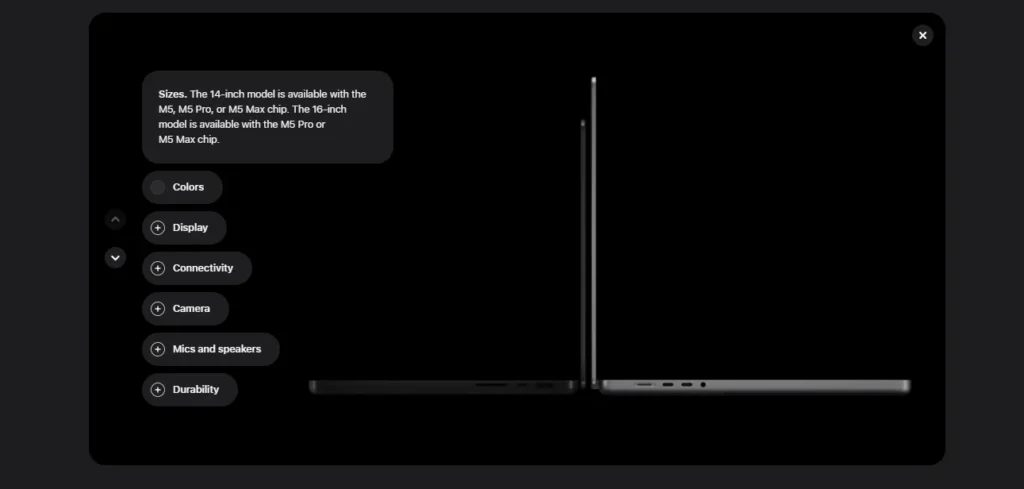
Here is where the lineup actually splits into three machines. The shared “M5” branding doesn’t do much for you: The gap between the base chip and the Max is huge.
| Specification | MacBook Pro | MacBook Pro M5 | MacBook Pro M5 Max |
| Screen Sizes | 14-inch | 14-inch / 16-inch | 14-inch / 16-inch |
| CPU | 10-core (4 Performance + 6 Efficiency cores) | Up to 18-core | Up to 18-core (higher clock speeds) |
| GPU | 10-core | Up to 20-core | Up to 40-core |
| Unified Memory | Up to 32GB | Up to 48GB | Up to 128GB |
| Memory Bandwidth | 153 GB/s | Higher (Pro-tier) | Highest in the lineup |
| Storage | 512GB – 4TB | 1TB and up | 2TB and up |
| Starting Price (14-inch) | $1,599 | $2,199 | $3,599 |
| Starting Price (16-inch) | — | $2,699 | $3,899 |
| Ports | Thunderbolt 4 | Thunderbolt 5 | Thunderbolt 5 |
A quick reality check on that memory bandwidth column: it’s not just a spec-sheet number. It’s the difference between a laptop that stutters when you’re juggling 4K timelines and multiple browser tabs, and one that simply doesn’t notice.
Performance: How Much Faster Is It, Really?
Numbers on a spec sheet are one thing. And what actually happens when you open Final Cut Pro, Logic Pro or a stack of Xcode builds is another.
Independent benchmark testing on the 18-core M5 Pro found roughly a 56% improvement in multi-core Geekbench 6 scores compared to the standard M5 chip, and around 62% faster than a comparable Intel Core Ultra 9 385H Windows machine in the same test. That’s not a slight adjustment; that’s a generational leap for anyone doing heavy multitasking or export-heavy work.
If you’re coming from an Intel-based MacBook Pro, the improvement is almost comical. Reviewers benchmarking the jump found up to 5.5x faster CPU performance, alongside a massive uplift in graphics thanks to third-generation ray tracing support. AI-specific tasks, the kind that power Apple Intelligence and on-device machine learning, showed gains as high as 86x compared to older Intel silicon, which tells you just how much of this chip’s design was built around AI from the ground up.
Even M1-generation owners who might think their four-year-old laptop is “still fine” will notice roughly double the CPU performance and nearly seven times the graphics power when they make the jump.
The MacBook Pro M5 Max, of course, is the exception of the family. It has a 40-core GPU and 128GB unified memory for video editors, 3D artists and local AI models that would otherwise require a desktop workstation.
Display and Design
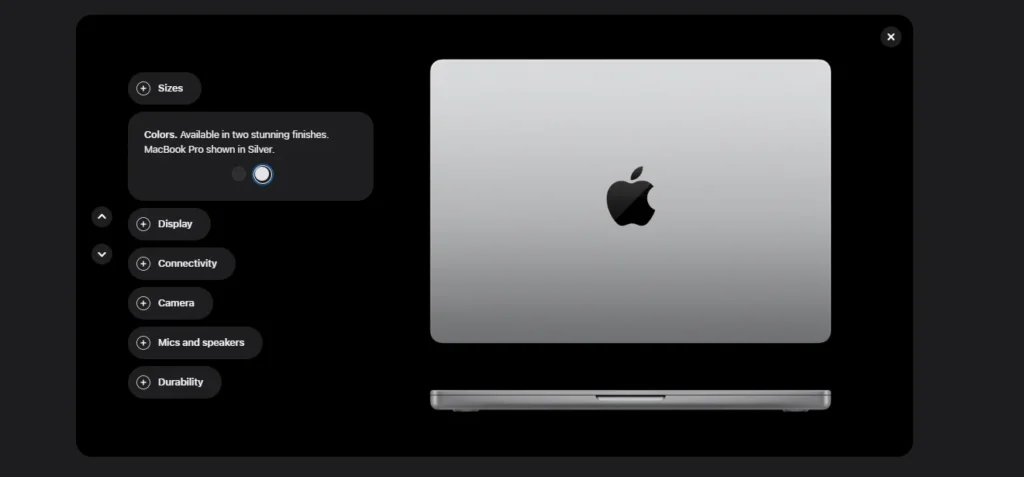
Apple didn’t touch the industrial design in this generation and frankly, it didn’t need to. You’re still getting the same Liquid Retina XDR display, available in 14.2-inch (3024×1964) and 16.2-inch (3456×2234) sizes with 1,000 nits of sustained brightness and up to 1,600 nits peak brightness for HDR content. ProMotion’s 120Hz adaptive refresh rate remains one of the smoothest experiences on any laptop screen, period.
The optional nano-texture display coating that reduces glare without softening image sharpness is present in the previous generation and is still one of the most requested upgrades among people working near windows or under harsh office lighting.
The weight has also gone up slightly on the higher-end configurations, with the heavier M5 Pro model being a touch heavier than the M4. That’s a good deal for the added RAM and internal cooling improvements and in daily use, you will not feel that difference when you use it in practice.
Battery Life
This is where the MacBook Pro continues to embarrass most of its Windows competition. Apple rates the 14-inch model for up to 24 hours of video playback and 16 hours of web browsing, while the 16-inch version stretches that to up to 30 hours of video and 22 hours of web use.
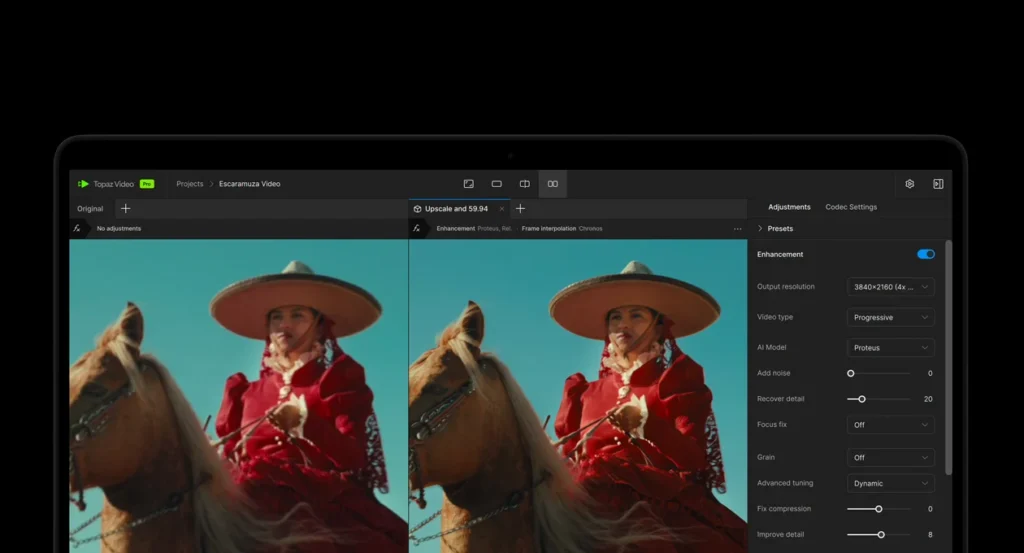
And the performance as a whole will depend on your workload, as running Final Cut Pro renders all day will drain the battery faster than answering Slack messages, but the 3nm process allows the M5 lineup to keep power at the top level even under high loads.
Ports, Wireless, and Connectivity
- MagSafe 3 charging port
- 3x Thunderbolt ports; Thunderbolt 4 on the base M5, Thunderbolt 5 on the Pro and Max models.
- HDMI port for direct external display connections.
- SDXC card slot, a small but very welcome inclusion for photographers and videographers.
- 3.5mm headphone jack.
- Wi-Fi 7 and Bluetooth 6, powered by Apple’s new N1 chip.
- Support for up to 2 external 6K displays at 60Hz or a single 8K display.
The Thunderbolt 5 upgrade on Pro and Max models is not that impressive but it matters if you have the ability to regularly connect high-bandwidth external storage, eGPU systems, or multiple high-resolution monitors.

MacBook Pro M5 vs M4: Should You Upgrade?
If you already have an M4 MacBook Pro, you know the answer is no, this isn’t the generation to go for. Real gains are nice but not far enough to justify buying a new laptop that is only a year old.
But if you compare the base M5 chip with the M4 it replaces:
- Up to 45% faster graphics performance, plus third-generation ray tracing.
- Up to 20% faster multithreaded CPU performance.
- 30% higher memory bandwidth.
- SSD read/write speeds up to 2x faster for large file transfers.
- An improved 16-core neural engine for AI tasks.
If your M4 is comfortable with your work it doesn’t change anything and it need not be. But the M5 is the best long-term investment.
MacBook M5 vs MacBook Pro M5 vs M5 Max: Which One Should You Buy?
This is the question that really matters to most buyers so let’s break it down by use case.
Choose the base M5 for a student, writer, developer working on lighter codebases or someone whose “heavy” workload is a dozen browser tabs and a spreadsheet. It’s a fantastic deal for that price, and most people simply won’t work hard enough to see its limits.
Choose the M5 Pro if you edit video, work with large design files, work from home with local development, and multitask across multiple demanding apps at once. The increase in CPU and GPU cores leads to faster rendering times and performance under high demands.
Choose the M5 Max only if your work really requires it, think professional colorists, 3D animators, or engineers running local AI models. It is an incredible chip, but for most people, it’s simply more power than they’ll ever use.
MacBook Pro M5 vs MacBook Air M5
If you are budgeting for about $1,300, the MacBook Air M5 (starting at $1,099 for 13-inch, $1,299 for 15-inch) is worth it. It has the same base M5 chip with a fanless design and doubled base storage (512GB) and Wi-Fi 7 and Bluetooth 6 upgrades.
The trade-off is thermal throttling under sustained heavy loads, a dimmer non-XDR display, and no ProMotion. The Air does extraordinarily well on a day-to-day basis. If you have to do work with rendering or professional creative work, the Pro’s active cooling really does make a difference.
Price and Configuration Guide
| Model | 14-inch Starting Price | 16-inch Starting Price |
| MacBook M5 | $1,599 | — |
| MacBook Pro M5 | $2,199 | $2,699 |
| MacBook Pro M5 Max | $3,599 | $3,899 |
As a brief tip for the average user, the base 512GB storage tier is good for most people, but Apple’s storage upgrade pricing is still very high. If you’re going to need more than 1TB eventually, it’s usually cheaper to buy an external SSD than to pay Apple’s markup upfront.
Who Should Buy It (and Who Should Skip It)
Buy it if:
- You’re on an Intel or M1-based MacBook Pro.
- You need serious, sustained performance for video, design, or development work.
- You want the best display and battery life currently available on a laptop.
Skip it if:
- You already own an M4 MacBook Pro, the upgrade isn’t worth it yet.
- Your workload is really light, the MacBook Air M5 will save you real money.
- You’re waiting on rumored future redesigns, this generation keeps last year’s design language intact.
Final Verdict
The MacBook Pro M5 lineup doesn’t reinvent anything, and that’s precisely the point. Apple took a design that was already working, kept what people loved, and quietly rebuilt the engine underneath it. For Intel and M1 owners, this is the upgrade you have been waiting for. For M4 owners, patience is a smarter play.
Based on your choice, base M5, Pro, or Max, you’re buying one of the most capable, longest-lasting professional laptops right now. The real decision is not whether the M5 MacBook Pro is good. It’s which version actually fits your work.
The specs and benchmark data cited refer to independent hands-on testing and the official Apple product information as of mid-2026.
Frequently Asked Questions (FAQs)
Q. Does the MacBook Pro M5 have value to buy in 2026?
A. If you’re upgrading to that generation or to a Mac with Intel chips, yes, and if you’re in the M1 generation and you have the right hardware, yes. The performance, battery life, and AI capabilities are far more advanced. M4 owners should wait to buy this generation out.
Q. What’s the difference between the M5, MacBook Pr M5 Pro, and M5 Max chips?
A. The M5 is designed for everyday work and light creative work. The MacBook Pro M5 Pro adds much more CPU and GPU cores for video editing and multitasking. The M5 Max is for more advanced work (3D rendering, color grading, local AI development).
Does the MacBook Pro M5 support Wi-Fi 7?
Yes. Thanks to Apple’s new N1 wireless chip, all models in the M5 family support Wi-Fi 7 and Bluetooth 6 (instead of the old Wi-Fi 6E and Bluetooth 5.3).
Q. How long does the MacBook Pro M5 battery last?
The 14-inch model can last up to 24 hours of video playback, while the 16-inch model can last up to 30 hours; and it is one of the longest-lasting laptops on the market.
Q. Should I buy the MacBook Pro M5 or the MacBook Air M5?
A. Choose the Air if your budget is tight and your workload is light-to-moderate. Choose the Pro if you need active cooling for sustained performance, a brighter XDR display, or ProMotion, features the Air doesn’t offer.