
 Shikha Kumari
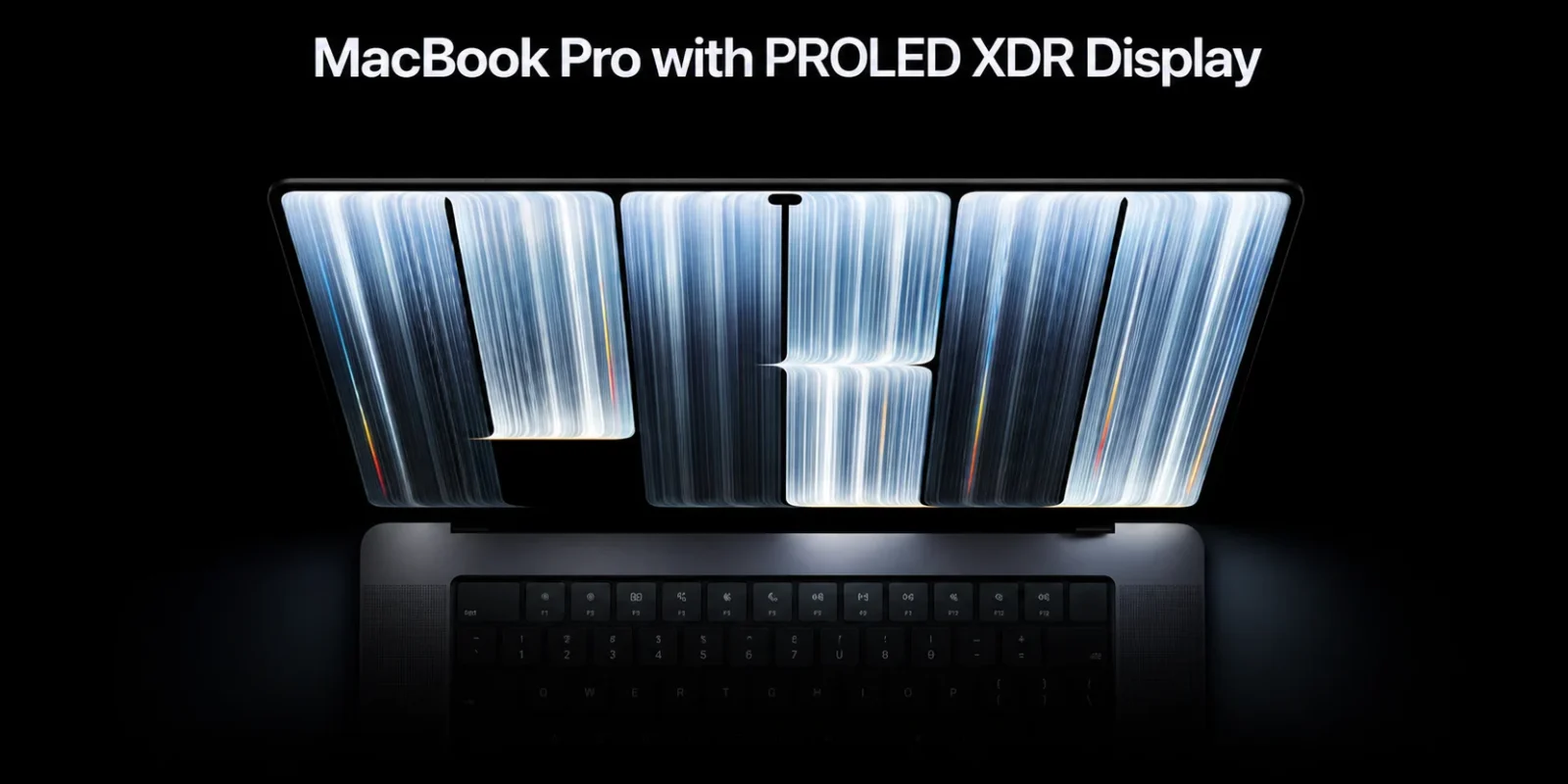
Quick answer: Yes, there’s now a touchscreen MacBook. Apple’s MacBook Pro with PROLED XDR Display, announced October 28, 2026, adds a tandem OLED touchscreen to the 14-inch ($2,899) and 16-inch ($3,399) models. It runs M5 Pro or M5 Max chips and goes on sale November 6.
For 16 years, Apple kept fingers off the Mac screen. That changed on October 28, 2026, when Apple announced the MacBook Pro with PROLED XDR Display, the first Mac with a touchscreen. It comes in 14-inch and 16-inch sizes, runs on M5 Pro or M5 Max chips and uses a tandem OLED panel that reaches 2,000 nits. You can tap, swipe, pinch and drag right on the display, while the keyboard and trackpad still do most of the work. Preorders are open now, and the laptops reach stores on November 6. In this guide, we cover which MacBooks have touch, how the gestures work, what each model costs and whether it’s worth paying extra over the cheaper M6 MacBook Pro.
Touchscreen MacBook: key info at a glance
| MacBook Pro with PROLED XDR Display | |
| Sizes | 14-inch (14.2-inch screen) and 16-inch (16.3-inch screen) |
| Chips | M5 Pro or M5 Max |
| Display | Tandem OLED touchscreen, up to 2,000 nits, 10Hz to 120Hz |
| Touch | Yes, the first Mac with a touchscreen |
| US starting price | $2,899 (14-inch), $3,399 (16-inch), launch MSRP |
| Preorders / on sale | October 28 / November 6, 2026 |
| Battery | Up to 24 hours (Apple’s testing) |
How we put this together: We haven’t used the touchscreen MacBook Pro yet, so we won’t pretend we have. Specs and prices come from Apple’s announcement, and any hands-on detail is credited to the outlet that reported it.
Does Apple make a touchscreen MacBook now?
Yes. The MacBook Pro with PROLED XDR Display is the first Mac with a touchscreen, and Apple announced it on October 28, 2026. It comes in 14-inch and 16-inch sizes with M5 Pro or M5 Max chips. Preorders opened the same day, and the laptops reach stores on Friday, November 6.
Apple’s wording leaves no doubt. In its official announcement, Apple says the “MacBook Pro features Touch for the first time.” That makes these two laptops the only Macs you can touch. Every other MacBook Apple sells, including the M6 MacBook Pro announced a day earlier, still works through the keyboard and trackpad alone.
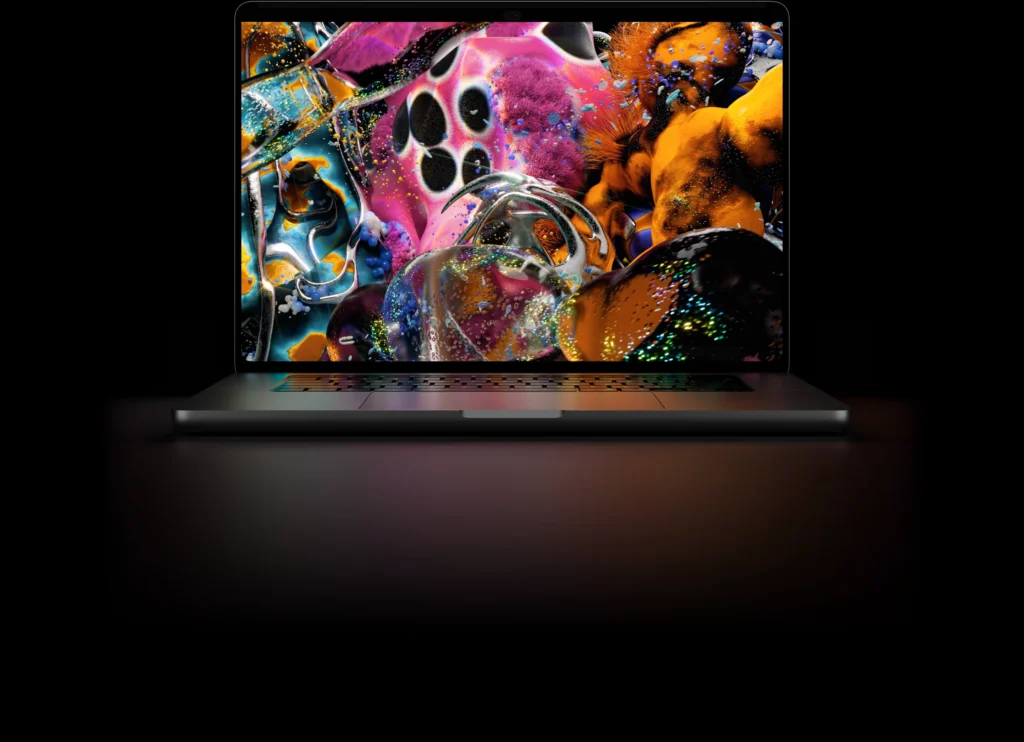
PROLED XDR is Apple’s name for the screen. It’s a tandem OLED panel, which uses two stacked OLED layers for extra brightness. Apple rates it at up to 2,000 nits for HDR and SDR content, with a 10,000,000:1 contrast ratio and a ProMotion refresh rate from 10Hz to 120Hz.
Which MacBooks have a touchscreen?
Only two models count as a touchscreen MacBook: the 14-inch and 16-inch MacBook Pro with PROLED XDR Display. The MacBook Neo, the MacBook Air M5, the new M6 MacBook Pro and the mini-LED M5 Pro and M5 Max MacBook Pro models all keep a standard display you can’t touch.
| Model | Chip | Display | Touch | US starting price |
| MacBook Pro 14-inch, PROLED XDR | M5 Pro / M5 Max | 14.2-inch tandem OLED | Yes | $2,899 |
| MacBook Pro 16-inch, PROLED XDR | M5 Pro / M5 Max | 16.3-inch tandem OLED | Yes | $3,399 |
| MacBook Pro 14-inch (M6) | M6 | 14-inch, standard or nano-texture | No | $1,999 |
| MacBook Pro 14-inch and 16-inch (mini-LED) | M5 Pro / M5 Max | Liquid Retina XDR (mini-LED) | No | Still on sale, price varies |
US prices as of October 30, 2026.
How does touch work on the touchscreen MacBook?
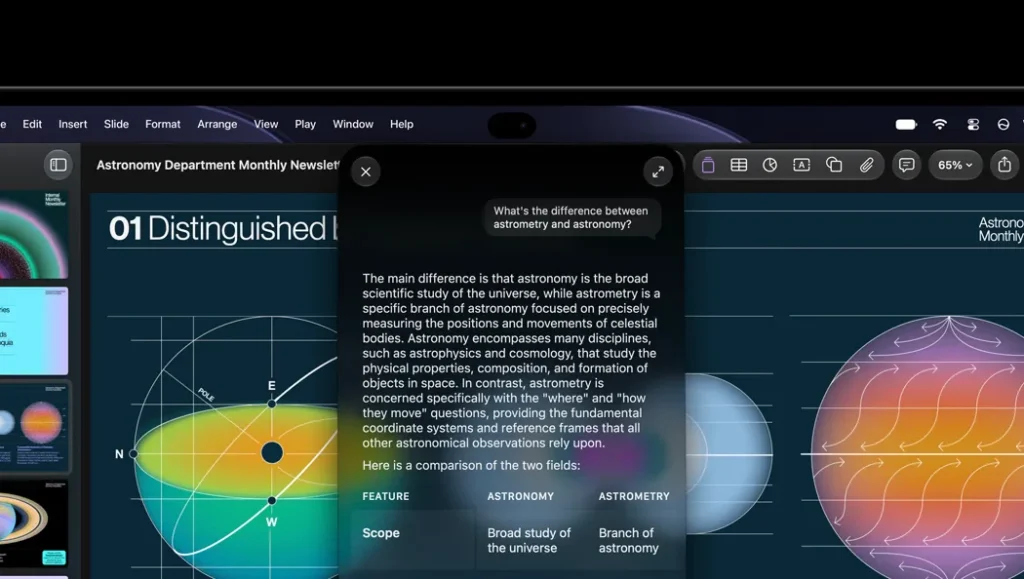
Touch on the new MacBook Pro works as an extra way to click. Apple built the touch sensor into the OLED panel, and macOS 27 turns each tap into a click, so the apps you already use respond to your finger on day one. The keyboard and trackpad stay the main controls.
Apple says the touch sensor is “built directly into the display panel,” which keeps the lid thin. The 14-inch model weighs 3 pounds and the 16-inch weighs 4 pounds, according to Apple, which Apple says is half a pound and 0.7 pounds lighter than before.
Apple CEO John Ternus explained the thinking in an interview with WIRED, as reported by MacRumors: “The Mac is first and foremost an indirect input device, built around the trackpad and keyboard.” Put simply, touch handles quick jobs like scrolling a page or dragging a file, and the trackpad still does most of the work.
Apple also changed the parts around the screen so touching it feels normal. MacRumors reports a redesigned thermal system built to keep the display from feeling hot under your fingertip. Hardware chief Johny Srouji said display technology, Apple silicon and software had finally reached Apple’s “bar” for touch, which is why it arrived now and on the Pro first.
What gestures can you use?
Apple lists these gestures for the touchscreen MacBook Pro:
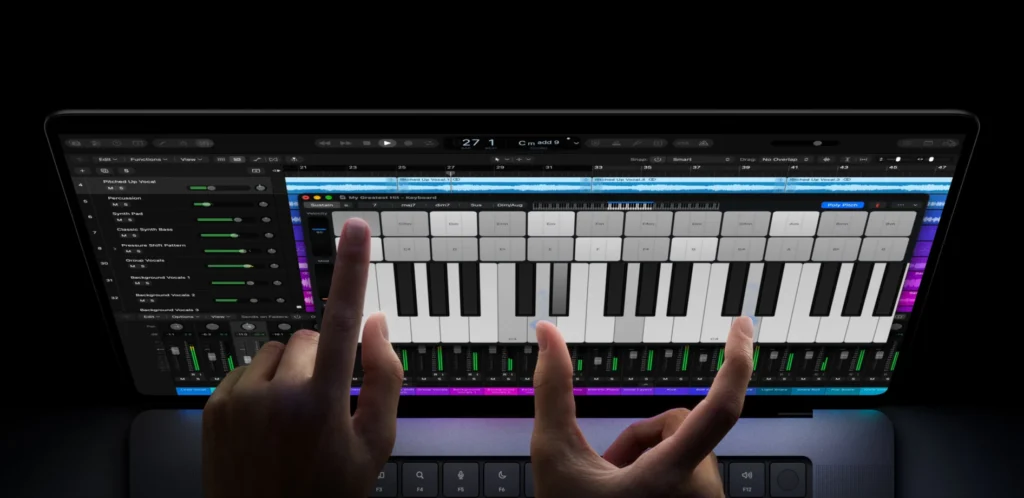
- Swipe to scroll
- Pinch to zoom
- Rotate and draw
- Drag and drop files or slides
- Double-tap a window to fill the screen
- Flick a window to tile it
Most of these match what you’d do on an iPhone or iPad, so there’s very little to learn. Flick to tile is the new one for Mac users: a quick flick sends a window into a tiled layout on screen.
Does the screen wobble or get smudgy?
Apple redesigned the hinge for this model. MacRumors describes “a reinforced hinge that keeps the screen stable when touch pressure is applied.” Apple also says its anti-reflective coating won’t need more cleaning than a standard display. Even so, fingerprints show up on any screen you touch, and wobble and smudges are the two worries buyers raised most during launch week. Try one in an Apple Store before you order.
Can you turn touch off?
Apple’s launch materials don’t mention a setting to switch touch off. Once you have the laptop, check System Settings under Displays in macOS 27. We’ll update this answer as soon as Apple publishes support details.
How much does the MacBook Pro with PROLED XDR cost?
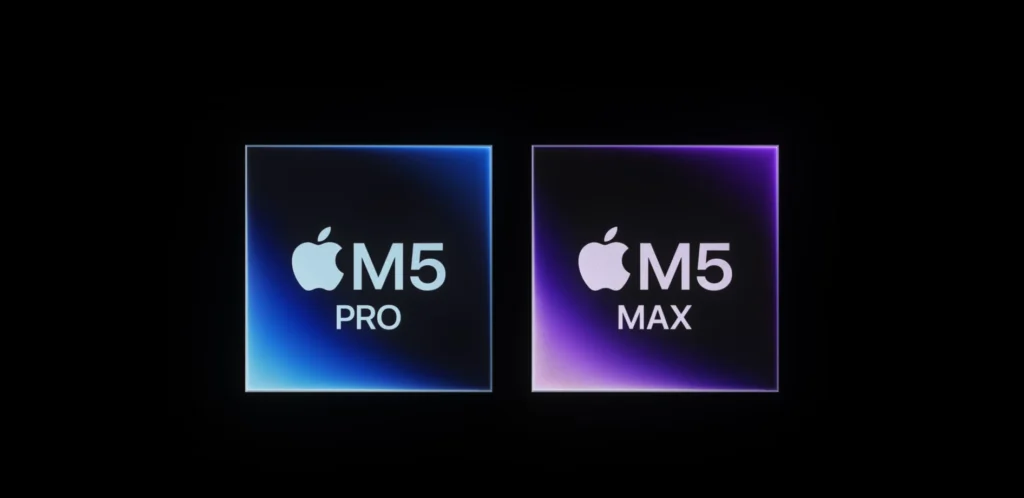
The touchscreen MacBook Pro starts at $2,899 for the 14-inch model and $3,399 for the 16-inch, both with the M5 Pro chip. The M5 Max versions start at $4,499 and $4,799. Apple’s education pricing takes $150 to $300 off every model.
| Model | Chip | US price | US education price |
| MacBook Pro 14-inch, PROLED XDR | M5 Pro | $2,899 | $2,749 |
| MacBook Pro 16-inch, PROLED XDR | M5 Pro | $3,399 | $3,199 |
| MacBook Pro 14-inch, PROLED XDR | M5 Max | $4,499 | $4,199 |
| MacBook Pro 16-inch, PROLED XDR | M5 Max | $4,799 | $4,499 |
Source: Apple Newsroom. US launch prices as of October 30, 2026.
That makes it the most expensive way into a MacBook Pro. If you don’t need touch, Apple still sells the non-touch M5 Pro and M5 Max models, which our MacBook Pro M5 review covers in detail.
Key Features: What do you get for the price?
Here are the key features Apple lists for the MacBook Pro with PROLED XDR Display:
- PROLED XDR tandem OLED touchscreen: 14.2-inch or 16.3-inch, up to 2,000 nits for HDR and SDR, and a 10,000,000:1 contrast ratio
- ProMotion refresh rate from 10Hz to 120Hz, with optional nano-texture glass
- M5 Pro or M5 Max chip, up to 128GB of unified memory and up to 16TB of storage
- Three Thunderbolt 5 ports, HDMI, an SDXC card slot, MagSafe and a headphone jack
- Support for up to 3 external displays with M5 Pro, or 4 with M5 Max
- Wi-Fi 7 and Bluetooth 6 through Apple’s N1 chip
- 12MP Center Stage camera and a six-speaker system with 50% deeper bass
- Up to 24 hours of battery life in Apple’s testing, and a 50% charge in 30 minutes
- Lighter bodies: 3 pounds for the 14-inch and 4 pounds for the 16-inch
- macOS 27 with Dynamic Island on Mac and Siri AI
Should you buy the MacBook Pro M6 without a touchscreen instead?
Yes, if you can live without touch and OLED. The 14-inch MacBook Pro with M6 starts at $1,999, which is $900 less than the cheapest touchscreen MacBook Pro, and Apple rates its battery at the same up to 24 hours. You give up touch, the OLED panel, the 16-inch size and memory above 32GB.
| Feature | Touchscreen MacBook Pro (PROLED XDR) | MacBook Pro 14-inch (M6) |
| Touchscreen | Yes | No |
| Sizes | 14-inch and 16-inch | 14-inch only |
| Chip | M5 Pro or M5 Max | M6 (12-core CPU, 12-core GPU) |
| Display | Tandem OLED (PROLED XDR) | Liquid Retina XDR, nano-texture option |
| Peak HDR brightness | 2,000 nits | 1,600 nits |
| Memory | Up to 128GB | 16GB standard, up to 32GB |
| Ports | 3 x Thunderbolt 5, HDMI, SDXC, MagSafe, headphone jack | 3 x Thunderbolt 4, HDMI, SDXC, MagSafe 3, headphone jack |
| External displays | Up to 3 (M5 Pro) or 4 (M5 Max) | Up to 2 |
| Battery | Up to 24 hours | Up to 24 hours |
| US starting price | $2,899 (14-inch) | $1,999 |
| US education price | $2,749 (14-inch) | $1,899 |
| On sale | November 6, 2026 | November 6, 2026 |
Specs and US launch prices from Apple, as of October 30, 2026.
The M6 is the newer chip. In its M6 MacBook Pro announcement, Apple says it delivers up to 30 percent faster graphics and up to 25 percent faster on-device AI than M5. That comparison is with the base M5, so don’t read it as a win over the M5 Pro and M5 Max chips inside the touchscreen model.
The M6 model suits students, writers and developers who want a MacBook Pro screen and battery without paying for touch. Pick the touchscreen MacBook Pro if you edit HDR video, need more than 32GB of memory, run three or more external displays, or want to tap and pinch right on the screen.
Does the new MacBook Pro work with Apple Pencil?
Apple hasn’t announced Apple Pencil support for the touchscreen MacBook Pro, and neither its announcement nor its product page mentions a stylus. Touch on this Mac is built for fingers, and Apple’s gesture list (scroll, pinch, rotate, draw, drag) is written with fingers in mind.
Is Apple’s touch MacBook Pro worth it?
The touchscreen MacBook is worth it for creators and pros upgrading from an older Mac who want the best screen Apple sells. It’s harder to justify if you own a recent MacBook Pro, because 9to5Mac reports the touch model performs the same as the cheaper non-touch M5 Pro and M5 Max versions.
Buy it if…
- You’re on an Intel or M1-era MacBook Pro and due for an upgrade anyway.
- You edit photos or video and want OLED contrast (10,000,000:1, per Apple) with 2,000-nit HDR brightness.
- You already reach for your laptop screen out of habit from your phone or iPad.
- You use apps Apple lists with touch features, such as Final Cut Pro, Logic Pro or Lightroom.
Skip it if…
- You bought an M4 or M5 MacBook Pro recently. The chips here belong to the same M5 family.
- Your budget tops out near $2,000. The M6 MacBook Pro starts at $1,999.
- You want to draw with a pen. Apple hasn’t announced Apple Pencil support.
- You mostly type and use a mouse. Touch would add about $400 for a feature you’d rarely use.
Frequently asked questions
Q. Is there a MacBook with a touchscreen?
A. Yes. The MacBook Pro with PROLED XDR Display, announced on October 28, 2026, is the first MacBook with a touchscreen. It comes in 14-inch and 16-inch sizes and goes on sale on November 6, 2026.
Q. Which MacBook is touchscreen?
A. Only the 14-inch and 16-inch MacBook Pro with PROLED XDR Display have a touchscreen. The MacBook Air, MacBook Neo, the M6 MacBook Pro and the mini-LED M5 Pro and M5 Max MacBook Pro models don’t.
Q. Will the 2026 MacBook Pro have a touch screen?
A. Some models will. The MacBook Pro with PROLED XDR Display has a touchscreen and starts at $2,899. The 14-inch MacBook Pro with M6, also announced in October 2026, has no touch and starts at $1,999.
Q. Can the MacBook Pro have a touch screen?
A. Only the new PROLED XDR models. Apple builds the touch sensor directly into the OLED panel, so an older MacBook Pro can’t be upgraded to support touch.