Shikha Kumari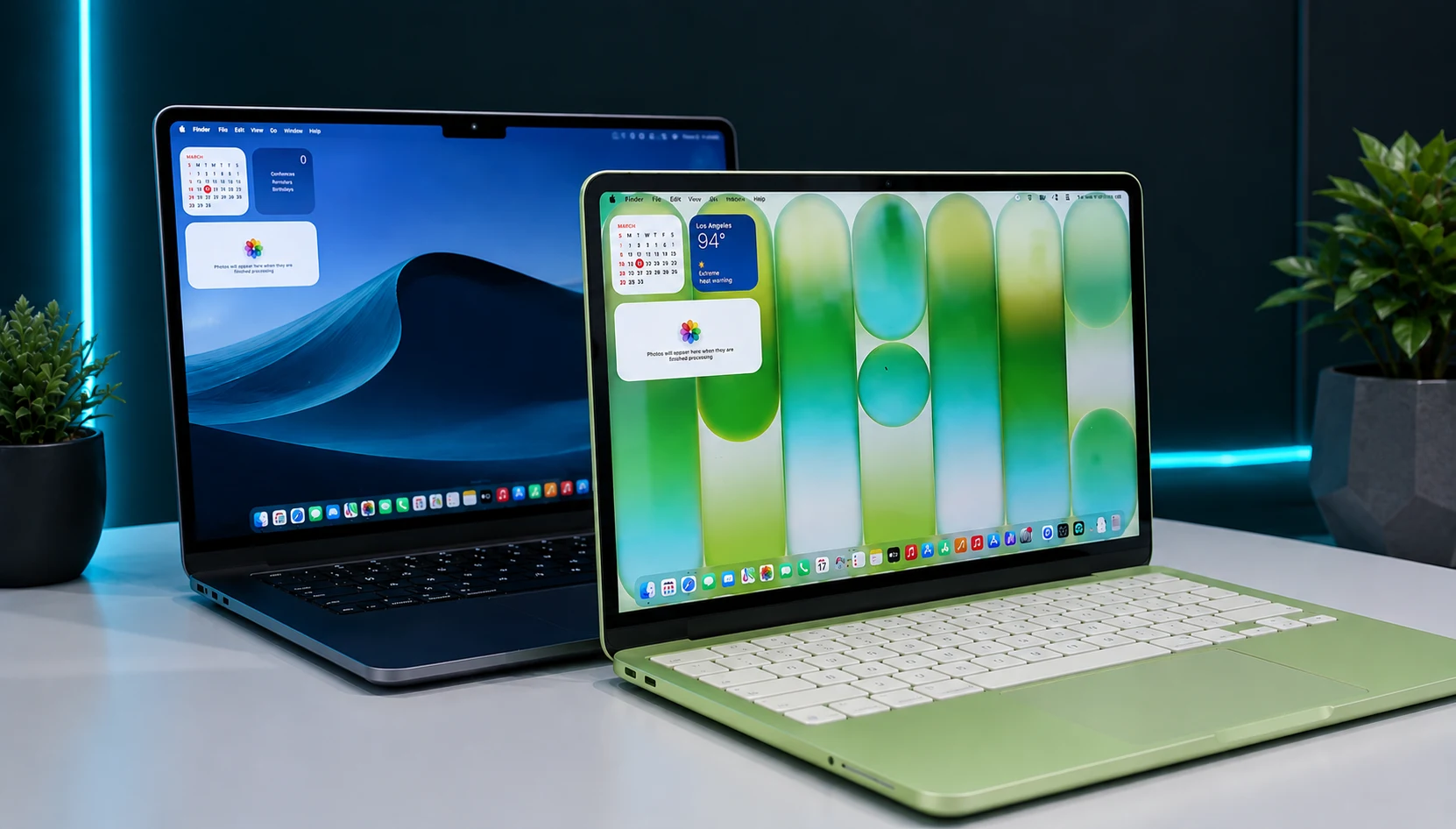
For the first time in the Mac’s 40-year history, you can walk into an Apple Store and walk away with a new MacBook for less than an iPhone. That is the MacBook Neo, and it’s scrambled a decision that used to be simple. The MacBook Neo vs Air question now becomes the central focus of every “which Mac should I buy” search, and the answer will depend on what you’ll do the next day after you unbox it.
This guide provides a breakdown of the essential differences: the A18 Pro chip that is embedded in the Neo versus the M5 in the Air, the 8GB memory ceiling nobody wants to talk about, what each one costs in 2026, and which reader each machine was built for. In the end, you’ll be able to find out which side of the $400 price gap you’re in and which one to fall on.
MacBook Neo vs Air: The Quick Verdict
If you wish to browse, write, stream, take notes, run one or two apps at a time, and want a real Mac without spending Mac money, then buy the MacBook Neo. It handles the daily stuff with room to spare, and it costs hundreds less than anything Apple sold last year.
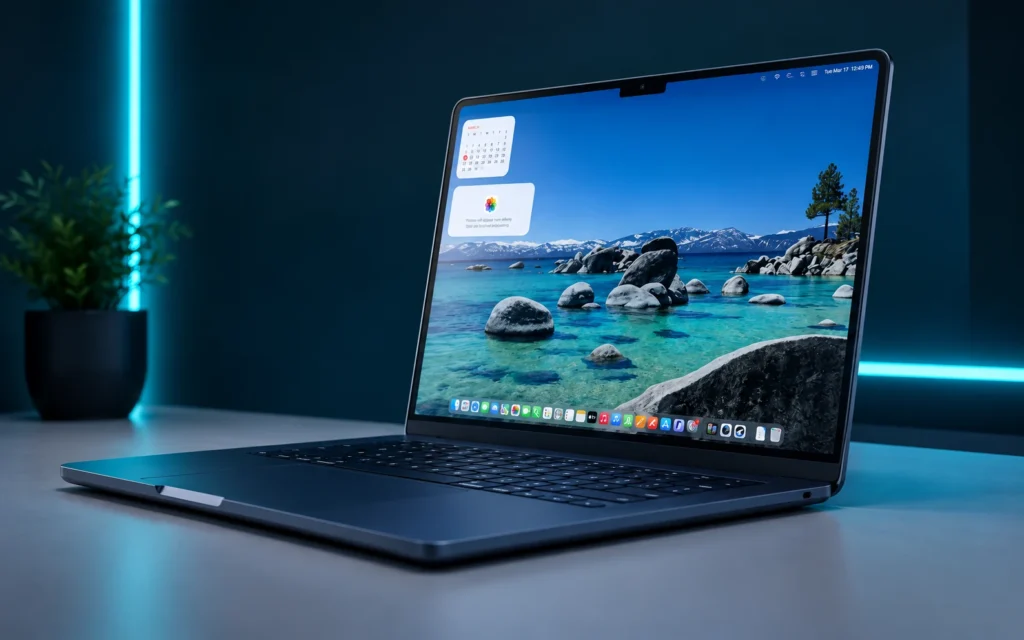
If you keep 20 browser tabs open next to Photoshop, compile code, edit video for more than a hobby, or want to have that laptop for six years, you will buy the MacBook Air M5. The extra memory and GPU cores come at a premium as soon as you walk out the door.
Everything below explains how those two sentences hold up once you look at the specs and where the line between “fine” and “frustrating” actually falls.
What the MacBook Neo Actually Is
Apple announced the MacBook Neo on March 4, 2026, and it went on sale a week later. It is the entry-level MacBook, below both the Air and the Pro, and it broke a rule Apple had followed since 1984: every Mac uses an M-series chip.
The Neo runs an A18 Pro instead. That is the same processor family that powers the iPhone 16 Pro. Apple took the phone silicon, put it in a laptop body, and priced it at $599 at launch. IDC called it one of the most significant changes in Mac history since Apple had never sold a laptop below around $999 before.

The name is deliberate marketing. Apple wanted something that felt “fun, friendly, and fresh” for its products, one Apple executive said, which is why there are four colors: Silver, Blush, Citrus, and Indigo, each with a keyboard dyed to match the lid.
Strip away all the branding, and the Neo is Apple’s answer to the Chromebook and cheap Windows laptop. It targets students, first-time Mac buyers, and anyone who resented paying four figures for a machine that mostly runs Safari and Google Docs.
MacBook Neo vs Air: Full Specs Comparison
Here is how the two laptops line up on paper. Figures cover the base configurations of each.
| Spec | MacBook Neo (2026) | MacBook Air M5 (2026) |
| Chip | Apple A18 Pro | Apple M5 |
| CPU Cores | 6 (2 performance + 4 efficiency) | 10 (4 performance + 6 efficiency) |
| GPU Cores | 5 | 8 (10-core optional) |
| Unified Memory | 8GB (fixed) | 16GB (up to 32GB) |
| Base Storage | 256GB (512GB option) | 512GB (up to 4TB) |
| Display | 13-inch, 2408 x 1506, 500 nits | 13.6-inch or 15.3-inch, 500 nits |
| Refresh Rate | 60Hz | 60Hz |
| Camera | 1080p FaceTime HD | 12MP Center Stage |
| Battery Life | Up to 16 hours | Up to 18 hours |
| Ports | 2x USB-C, headphone jack | 2x USB-C (Thunderbolt), MagSafe, headphone jack |
| Wireless | Wi-Fi 6E | Wi-Fi 7 |
| Cooling | Fanless | Fanless |
| Touch ID | 512GB model only | Standard |
| Weight | 2.7 lb (1.23 kg) | 2.7 lb (13-inch) / 3.3 lb (15-inch) |
| Starting Price | ~$699 | $1,099 (13-inch) |
The table tells you the shape of the decision. In this MacBook Neo vs Air comparison, the biggest trade-off is between upfront price and long-term performance headroom. The Neo trades cores, memory, camera quality, and wireless speed for a much lower price and a smaller, lighter body. The Air spends your extra money on headroom.
MacBook Neo vs Air Design and Display
MacBook Neo vs Air are aluminum built, so the Neo doesn’t feel like a budget toy in your hands. It weighs 2.7 pounds, the same as the 13-inch Air, and iFixit gave it an unusual compliment: it called the Neo the most repairable MacBook in 14 years, mentioning the screwed-down battery, the lack of parts pairing and the modular ports and speakers. That matters more than any benchmark: If you keep laptops until they break, that matters more than any benchmark.

The screens are where the two diverge in a way you will notice every day.
The Neo’s display
The Neo has a 13-inch Liquid Retina panel at 2408 x 1506 resolution and 500 nits of brightness. It supports a billion colors and looks sharp for the money. It also does something no recent MacBook does: it drops the notch. The Neo is the first MacBook with a clean, notchless top bezel since the 2022 13-inch Pro that some buyers will like.
The Air’s display
The Air has a slightly bigger 13.6-inch display of 2560 x 1664 or a 15.3-inch bigger display if you want more space. The same 500 nits, same 60 Hz. A MacBook Pro is not ProMotion compatible with either, so if you want a 120 Hz monitor, you are going to go for a MacBook Pro instead.
For writing, browsing, and video, both displays are fantastic. The Air’s Edge is size 15, and the option to go 15 inches, which the Neo doesn’t really offer at all.
Performance: A18 Pro vs M5
We are comparing everything to others in this competition, and the numbers surprised a lot of reviewers.
The A18 Pro inside the Neo is a phone chip, but it is a fast one. Early Geekbench 6 tests from Digital Trends gave the Neo roughly 3,461 in single-core and 8,668 in multi-core, with a Metal graphics score of nearly 31,286. That is a lot better than the M1 MacBook Air, the computer millions of people still use and love. The Neo even beat out the iPad Air M3 in single-core work. Tyler Stalman did professional photo and 4K video editing on it and said editing didn’t get affected with other apps open.
So the Neo is not slow. For a single task, it feels quick.
The M5 in the Air plays a different game. It has 10 CPU cores compared to 6 in the Neo, and a GPU with a Neural Accelerator built into each core. Apple claims 4x faster AI processing than the M4, and testers have pushed the M5 Air past 100 fps in some games. For a Cinebench GPU test, the M5 Air landed within 8% of the M5 MacBook Pro, which is remarkable for a fanless laptop.
The gap between them is not about opening apps. Both feel instant when you launch Safari or Pages. The gap is apparent under sustained load: exporting a long video, running a large Xcode build, or juggling a dozen heavy apps at once. That’s where the Air’s extra cores pull ahead and stay ahead.
The 8GB Memory Question Most Reviews Skip
Here is what a lot of comparison guides breeze past: the Neo ships with 8GB of unified memory, and you cannot upgrade it. Not at purchase, not later. There is no 16GB Neo.
8GB is just as big as 8GB for a Windows PC, because macOS manages memory well and uses fast swap. You will never feel the ceiling for light work, web surfing, word processing, music, video calls, and a few tabs.
The ceiling appears when your habits become heavier. Open 25 Chrome tabs, add a photo editor, drop a Slack window and a couple of Office apps into the mix, and macOS starts leaning hard on swap. The machine slows, the SSD works overtime, and over years that swap activity wears on the drive. The Air sidesteps this by starting at 16GB and offering 24GB or 32GB configurations.
So that single spec is the real fork in the road. These laptops are often compared with the chip names A18 Pro versus M5. It is the memory that will decide if the machine still feels good in year three; if you’re a one- or two-app person, 8GB is enough. If you’re a “never close anything” person, you get the Air, with its 16GB floor. This is the difference no reviewer can compare with you, because it’s all about how many things you leave open.
Now picture two buyers. Maya writes for a living. She keeps Pages open, a research tab or two, Spotify, and a messaging app, and she closes things when she’s done. Maya will use a Neo for five years and never think about memory once. Now picture Jordan, a marketing manager who runs Chrome with 30 tabs, Photoshop, Figma, Slack, Excel, and a Zoom call at the same time. Jordan’s Neo would then spend the afternoon swapping to disk, while the Air would coast. The same price difference and opposite results are the same, but memory is the deciding factor in this case, not the chip on the box.
One more thing that buyers don’t know is that the 256GB base Neo has no Touch ID. Apple replaced the fingerprint sensor with just a simple lock button, and you only get Touch ID if you go to 512GB. Touch ID is standard on the Air as well.
MacBook Neo vs Air Battery, Ports, and Connectivity
The MacBook Neo vs Air comparison also changes when you look beyond processing power and consider ports and connectivity.
The Neo has up to 16 hours of battery life, and the Air has up to 18. Both comfortably clear a full workday, so this rarely decides a purchase. The Air’s larger battery gives it a small cushion for longer flights and back-to-back classes.
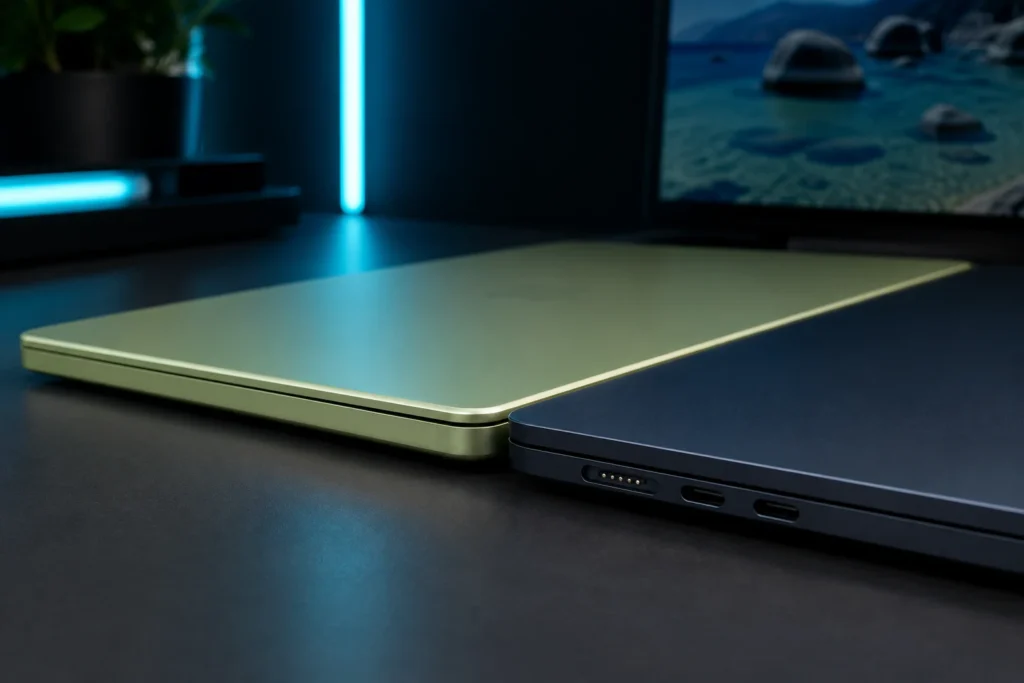
Ports are close but not identical. Both have two USB-C ports and a headphone jack. The Neo’s ports are so different: one is a faster USB port with DisplayPort support for an external monitor, while the other is a slower USB 2.0 port for accessories and charging. The Air’s USB-C ports are full Thunderbolt, and the Air adds a MagSafe charging port so you can keep both USB-C slots open.
External display support also divides them. The Neo supports the setup of one 4K monitor at 60Hz. The Air handles more demanding multi-monitor setups, which is critical if you have a desk-bound work rig.
On wireless, the Air moves to Wi-Fi 7 while the Neo stays on Wi-Fi 6E. You may not notice the difference for a while, but it is part of why the air ages better.
MacBook Neo vs Air Price: What You Pay, What You Get
Price remains one of the strongest reasons buyers search for MacBook Neo vs Air before choosing a model.
Pricing is how this comparison earns its keep, and it moved after launch, so read this carefully.
The Neo launched at $599, or $499 with education pricing for students and school staff. In early June 2026, Apple raised the entry price by $100 during the ongoing memory shortage that puts the current 256GB Neo around $699 (about $599 with education pricing). The 512GB model, which includes Touch ID, is $100 higher than whatever base price is in place now.
The MacBook Air M5 starts at $1,099 for the 13-inch with 512GB, or $999 with education pricing. The 15-inch Air starts at $1,299. Increase the Air’s memory to 24GB or 32GB, and the price is up from there.
Line them up, and the entry gap is about $400, and the two base machines aren’t even matched on storage: the Neo provides 256GB, while the Air provides 512GB. Add $100 to the Neo for the 512GB version for the same storage, and the real-world gap for equivalent storage is closer to $300.
That $300 to $400 would be nice for a light user, but as you know, for a heavy user, no. You’d be paying for cores and memory you’d never need in your life. For a power user, yes, because the Air’s 16GB and extra GPU cores are what keeps a machine usable years down the line.
MacBook Neo vs Air: Which One Fits You?
The spec sheet only matters once it hits your actual work. Here is how each laptop does in comparison to the four things people search for most.
MacBook Neo vs Air for Students
For most students, the Neo is the smarter buy. In a MacBook Neo vs Air comparison, the lower price can leave more room in a student budget. For most students, the Neo is the smarter buy. Note-taking, research, essays, streaming, and video calls are all within its comfort zone, and the education price makes it the cheapest way into the Mac ecosystem. The lighter body and repairable design are perfect for a backpack and a four-year lifespan.
The exception is the student whose major demands heavy software. Engineering students running simulations, film students editing long projects, and computer science students spinning up virtual machines will hit the 8GB wall. Those students should stretch for the air.
MacBook Neo vs Air for Work
Office work, email, spreadsheets, presentations, and web apps run fine on the Neo. A freelancer or remote worker whose day lives in a browser and a document editor loses nothing by saving the money.
The Air becomes the better work machine once your job involves many apps at once. That distinction is central to the MacBook Neo vs Air choice for professionals., large datasets, dual monitors, or client video calls where the 12MP Center Stage camera flatters you more than the Neo’s 1080p webcam. The air’s headroom for a professional whose laptop is the primary tool is good.
MacBook Neo vs Air for Coding
Light coding works on the Neo. For developers researching MacBook Neo vs Air, the deciding factor is how demanding their development setup will be. Web development, scripting, learning to program, and running a code editor with a browser are all within reach.
Serious development leans toward the Air. Xcode with an iOS simulator, Docker containers, local databases, and multiple environments consume memory quickly, and 8 GB fills up quickly under that load. A programmer who compiles daily will feel every gigabyte of the Air’s 16GB and may want the 24GB or 32GB option.
MacBook Neo vs Air for video editing
The Neo can edit 4K video, which surprised early testers. For creators comparing MacBook Neo vs Air, sustained editing workloads make the Air more appealing., and for short clips, social content, and casual projects it holds up. Someone editing family videos or a YouTube channel on the side can get real work done.
Sustained, professional editing favors the Air. More GPU cores and more memory mean smoother timelines, faster exports, and fewer stalls on long or complex projects. If video editing pays your bills, the Air is the floor, and a MacBook Pro is worth a look above it.
Final Verdict
The MacBook Neo changed what buying a Mac means. For $600-ish, you get a real MacBook that runs macOS, feels quick for everyday tasks, and outpaces the beloved M1 Air. For a student, a writer, a browser-and-email professional, or anyone buying their first Mac, it’s the easiest recommendation Apple has made in years.
The MacBook Air M5 is the laptop you buy when you refuse to think about limits. Its 16GB memory floor, extra CPU and GPU cores, better camera, and Wi-Fi 7 give you room to grow into heavier work and keep the machine feeling fresh for years. That freedom costs around $300 to $400 more.
Match the machine to your habits, not to the spec that sounds best. The MacBook Neo vs Air decision ultimately comes down to how much performance and memory you expect to need over the next few years. Count how many apps you keep open at once. One or two, and the Neo saves you real money. A dozen, and the air is worth every extra dollar. Your next step: decide which of those two people you are, then check current pricing at Apple or a trusted retailer before you buy, since 2026 pricing has already shifted once.
Frequently Asked Questions (FAQs)
Q. Is the MacBook Neo worth buying in 2026?
A. For anyone searching MacBook Neo vs Air, the answer depends mainly on workload and memory needs. Yes, if you’re a light-to-moderate user who wants a genuine Mac without spending four figures. The Neo handles browsing, writing, streaming, and single-app work with ease, and it’s the cheapest MacBook Apple has ever made. Heavy multitaskers and creative professionals should choose the Air instead, mainly because of the Neo’s fixed 8GB of memory.
Q. What is the difference between the A18 Pro and M5 chips?
A. This is one of the core questions behind the MacBook Neo vs Air comparison. The A18 Pro is Apple’s iPhone-class chip with 6 CPU cores, adapted for the Neo. The M5 is Apple’s laptop-class chip with 10 CPU cores and a stronger GPU. The A18 Pro is fast for single tasks and beats the older M1 Air, but the M5 pulls well ahead under sustained load like video exports and large code builds.
Q. How much RAM does the MacBook Neo have?
A. RAM is a major consideration when evaluating MacBook Neo vs Air for long-term use. The MacBook Neo comes with 8GB of unified memory, and it cannot be upgraded. There is no higher-memory Neo configuration. The MacBook Air M5 starts at 16GB and can be configured up to 32GB, which is the main reason to pick the Air for demanding work.
Q. Which is better for students, the MacBook Neo vs Air?
A. Students comparing MacBook Neo vs Air should focus on their course software and multitasking needs. The Neo is better for most students because it’s cheaper and handles typical coursework without strain. The Air is the better choice for students in memory-heavy majors like engineering, film, or computer science, where 8GB runs out and the Air’s larger memory pays off.
Q. Does the MacBook Neo have Touch ID?
A. Touch ID is another small detail worth checking when making a MacBook Neo vs Air decision. Only the 512GB model has Touch ID. The base 256GB Neo uses a standard lock button instead of the fingerprint sensor. Touch ID is standard on every MacBook Air.